Took a B2B training company from a first call to a live brand and website in six weeks.
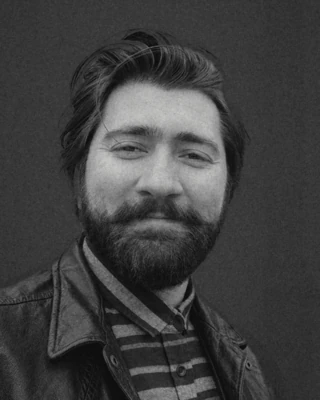
Norik Imami
Co-founder and Head of 3D and Games
Nine years in 3D, for games, brands, AR and VR.
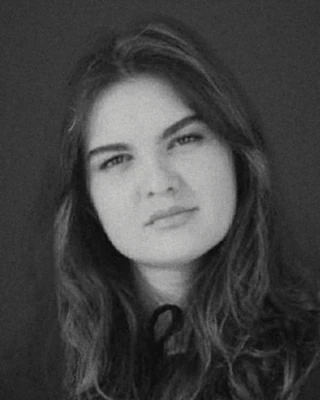
Dorotea
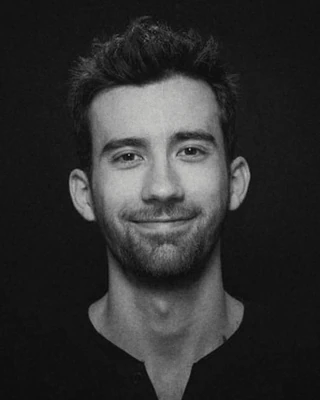
Head of Workflow and Automation
Has managed programmes for London councils and non-profits since 2019.
Rron leads brand and website work.
Rron leads motion and film, with Norik on the 3D and animation.
Dorotea and Rron lead workflow and automation together.
Norik leads product visuals, 3D and game work.
Rron will be on the call and will bring in whoever fits.
Your current site or brand files if you have them, a few sites you like, and any date you are working to.
Where the film will run, references you like, and the date it has to be ready.
The tools you use now, such as Excel, Microsoft 365, Google Workspace or Airtable, and the task your team repeats most. Describe your data rather than sharing it.
CAD files or product photos if you have them, your colourways, and your launch date.
Your Unreal version, how you handle source control, a style reference, and when you need us to start. If you need an NDA first, say so and we will sign one before you share anything.
Whatever you have: a link, a document, or a few lines on what is not working.
Call brief for Giant Entity
What you need: {need}
Notes: {notes}
Who will be on the call: {people}
What to bring: {bring}
Name: {name}
Email: {email}
Organisation or website: {org}
Phone: {phone}
Call by: {mode}
Times that suit: {times}
Colleague: {colleague}
Made at giantentity.com/book